How to Set Up a Velocity Network with GeyserMC/Crossplay
A step-by-step guide on how to add Java-Bedrock crossplay to your Minecraft Velocity Network.

Before we can proceed with adding crossplay support to our server, we must set up the Velocity network beforehand. To do that, please follow our guide here.
Adding Crossplay to The Velocity Network
- Install the Velocity version of Geyser and Floodgate from their official website. After that, upload them to the Velocity server’s plugin folder and start the server to generate the necessary configuration files.
- After the GeyserMC subfolders have been created, make a new allocation for Geyser in the Allocations tab.
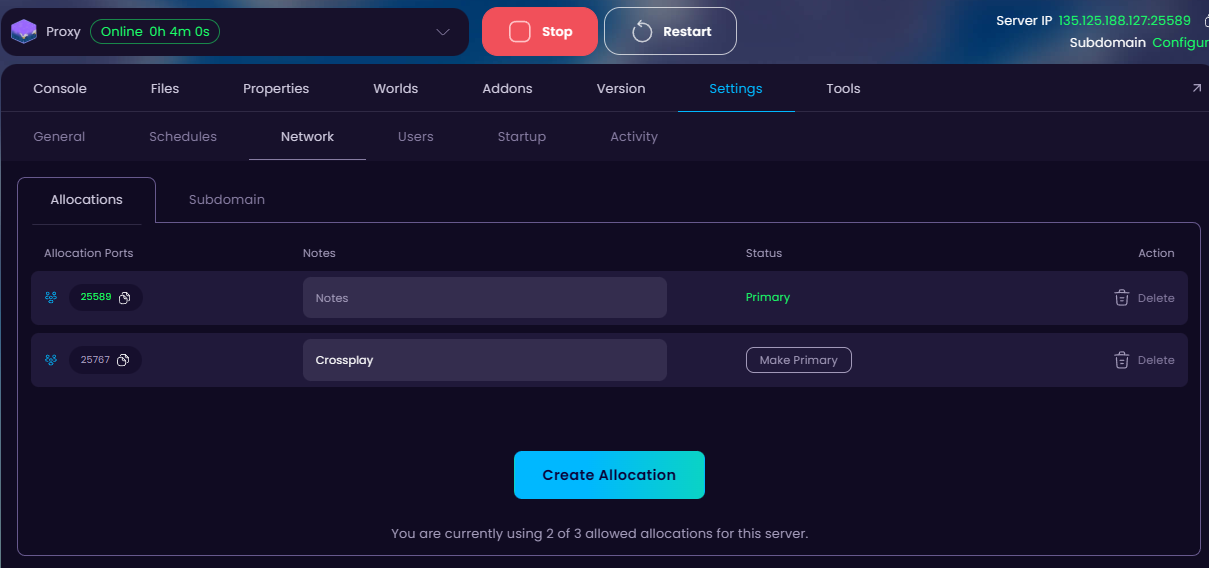
- Copy the newly created allocation’s port, and go to
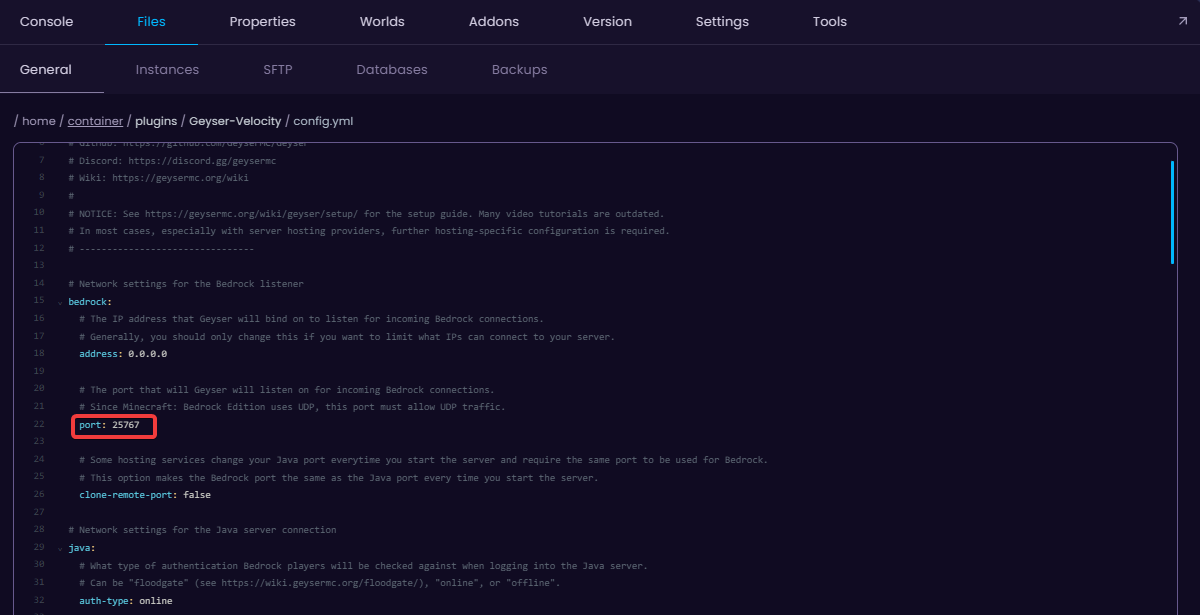
plugins/Geyser-Velocity/config.ymland change thebedrocksections port on Line 22 to the new one we just generated, and save the file.
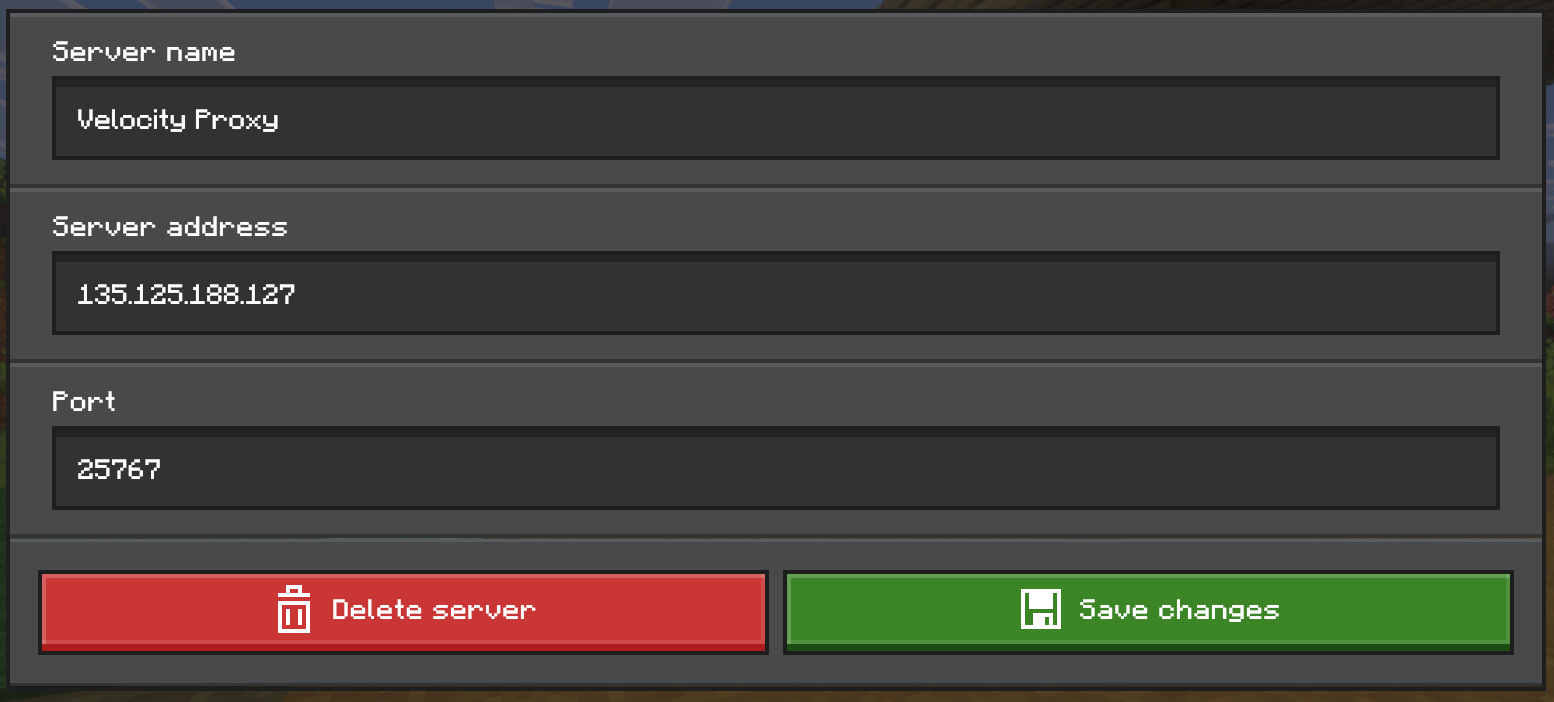
- After that, restart the Velocity proxy and the back-end servers and join the Velocity proxy server with the new port.