How to Disable Spawn Protection?
This article shows you step-by-step on how to disable the spawn protection in your server.

By default, the spawn-protection range is set to 16. This prevents players from placing and breaking blocks near the spawn.
How to Disable Spawn Protection?
- Head over to the Game Panel and close your server.
- Navigate to the Properties → World tab and find the
spawn-protectionoption. Set this to 0.
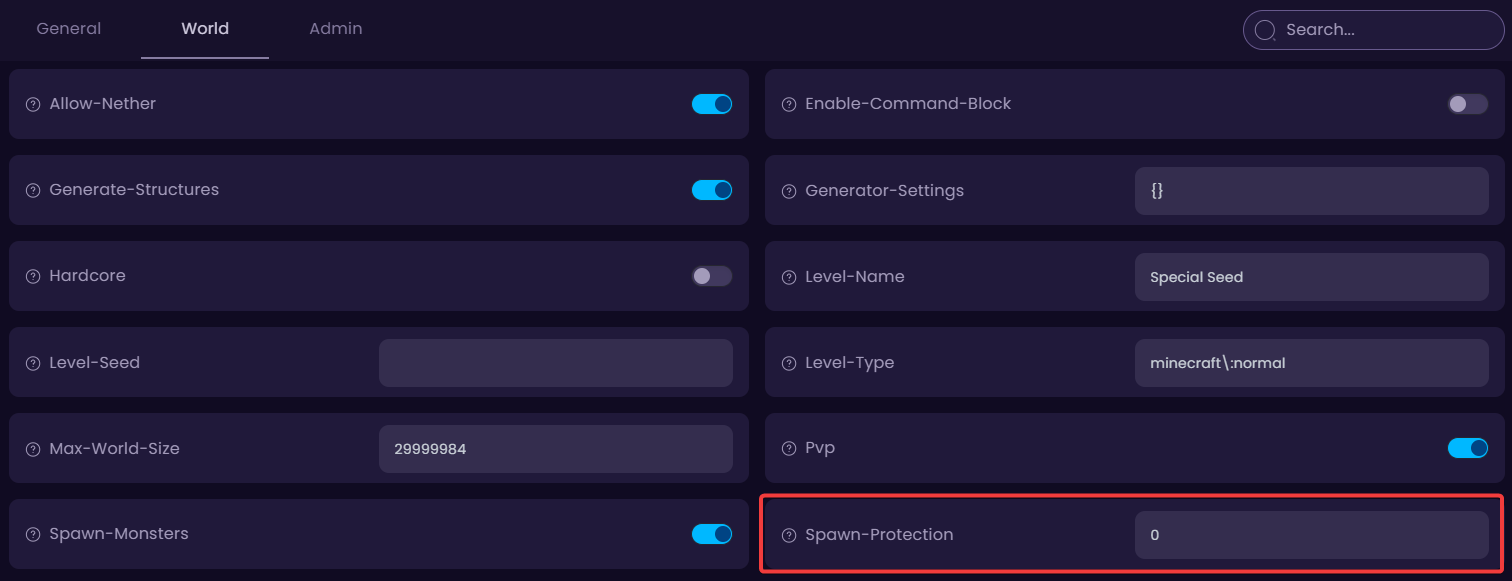
- Done! You can now start your server.