How To Change Your Minecraft Server Icon?
This article shows you step-by-step on how to upload a custom server-icon to your server.

How To Change Your Server Icon?
- Head over to the Game Panel and stop your server.
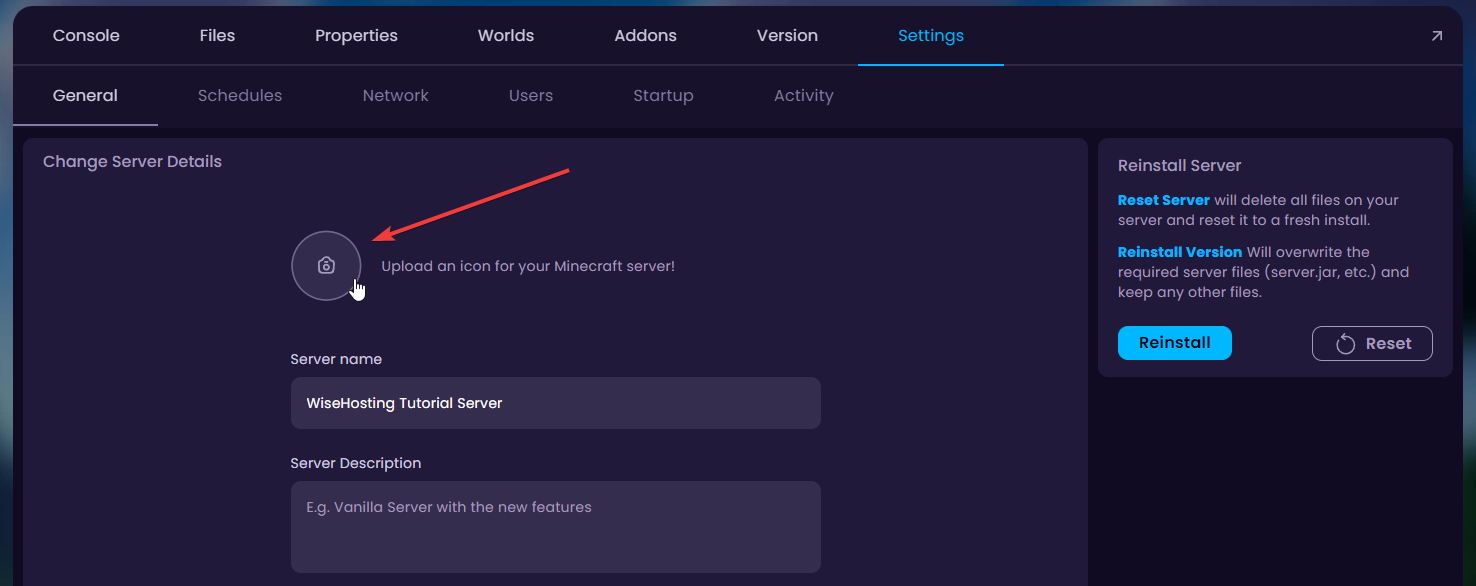
- Navigate to the Settings tab and click on the icon to update it.
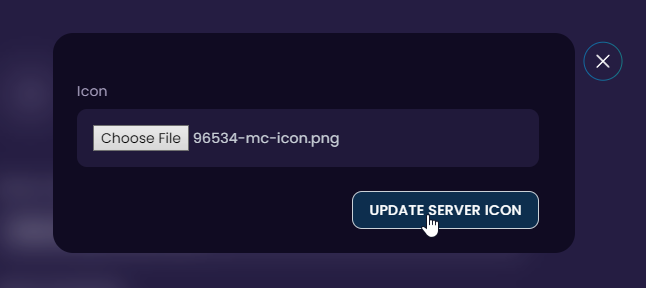
- Select the image of your choice and our panel will update the server-icon accordingly.
- Done! You can now start your server and it'll show up with the custom uploaded image on the server list.